
ECHO project - Connecting Microphones to Recorders
ECHO Project - Connecting Microphones to Recorders
When you come here from the former article, "ECHO project - Practice at home before heading out into the field!", you've come to the right place or the next step, just as you like.
Multicores are your friends!
We use four-channel multicores wherever possible. They simplify the setup process and are lighter than the same number of single microphone cables. There are also some arrays that you can prepare at home with "all strings attached." This applies not only to the array itself but also to your recorders. In the field, all you have to do is set up your stands, mount the "modules," and connect the multicores. Done!
This dramatically reduces the chances of errors and makes you faster.
If you are going to use several multicores, we recommend to mark them with different colors. Either with some velcro stripes or some tape. You should mark the connectors in the array AND the splices connected to your recorders. This makes you faster and less prone to error!
Use different "layers"
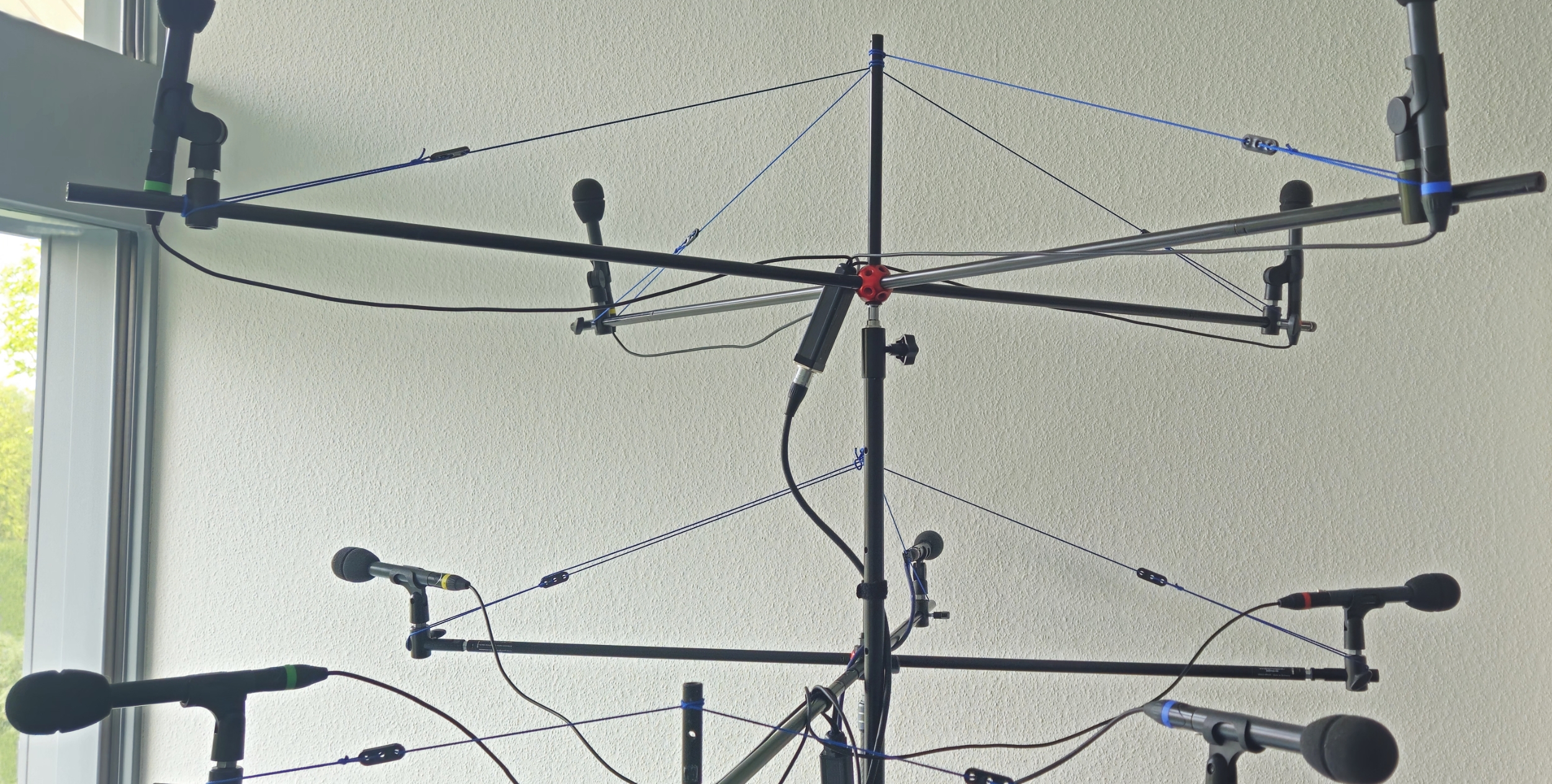
Upon closer inspection of the arrays, you will notice that there are different layers of microphones. There are arrays where a bunch of microphones are in the "horizontal layer," if you wanna put it that way. And there are other microphones in an upper layer, mostly when they are pointing upwards.
If you are using eight track recorders like us, you should try to connect each layer to one recorder. Even though the synchronization is great today, there is no difference in time inside a single recorder!
For example: The ESMA-3D array - It has a horizontal layer: L, R, C, Lss, Rss, Lrs, Rrs, Cr. These eight channels are connected via two four-channel multicores to one recorder.
The Tfl, Tfr, Trl, Trr channels are connected via an additional four channel multicore to the second recorder. This way you may use a Zoom F8n pro and a TASCAM Portacapture X8. To synchronize them you need an external timecode generator. A good choice is to have something with bluetooth.
If you have a second Zoom F8n (pro) at hand, we highly recommend to use them, but this is another story in an other article: Synchronize it!
You should also read:
ECHO project - Penta Sphere
ECHO project - PentaSphere This is another microphone array of the ECHO project. It has been invented by Anthony Caruso & Kellogg Boynton from the PlayStation Studios. It can be used as "right in the middle" recording system or "in front of the sound source"…
Continue reading...ECHO project - PCMA-3D v2
ECHO project - PCMA-3D v2 The PCMA-3D v2 microphone array is an enhancement of the the PCMA 3D v1 microphone array. We are convinced that the PCMA-3D v2 is an development on its own and has been used for the ECHO project. So, we don't…
Continue reading...ECHO project - AirCage
ECHO project - AirCage This setup has been published by the ECHO project and it shows some very interesting details. But here is the "inventor" himself, Nick Wollage: "Spacious and enveloping sound for traditional cinematic orchestration, characterized by the unique timbral character of Neumann M50 microphones. Offers…
Continue reading...ECHO project
ECHO project The ECHO project in their own words: "The ECHO Project invited seven expert recording engineers to explore their approaches to immersive orchestral recording. Eight microphone arrays, each tailored to a specific recording scenario—classical, film score, or game soundtrack—were used to capture the performance…
Continue reading...
The ECHO project
The ECHO project The ECHO project is about ... Exploring the Cinemative Hemisphere for Orchestra The orchestra in this scenario was the London Contemporary Orchestra ... and is about a focused group of sound engineers and researchers who have teamed up to: Here is the…
Continue reading...